Existing Membership Renewal, Expiry, and Access Recovery
How Billixi continues to handle renewals, provider access, expiry, and recovery for existing Telegram and Discord memberships.
Billixi Editorial
Marketplace education team
Direct answer
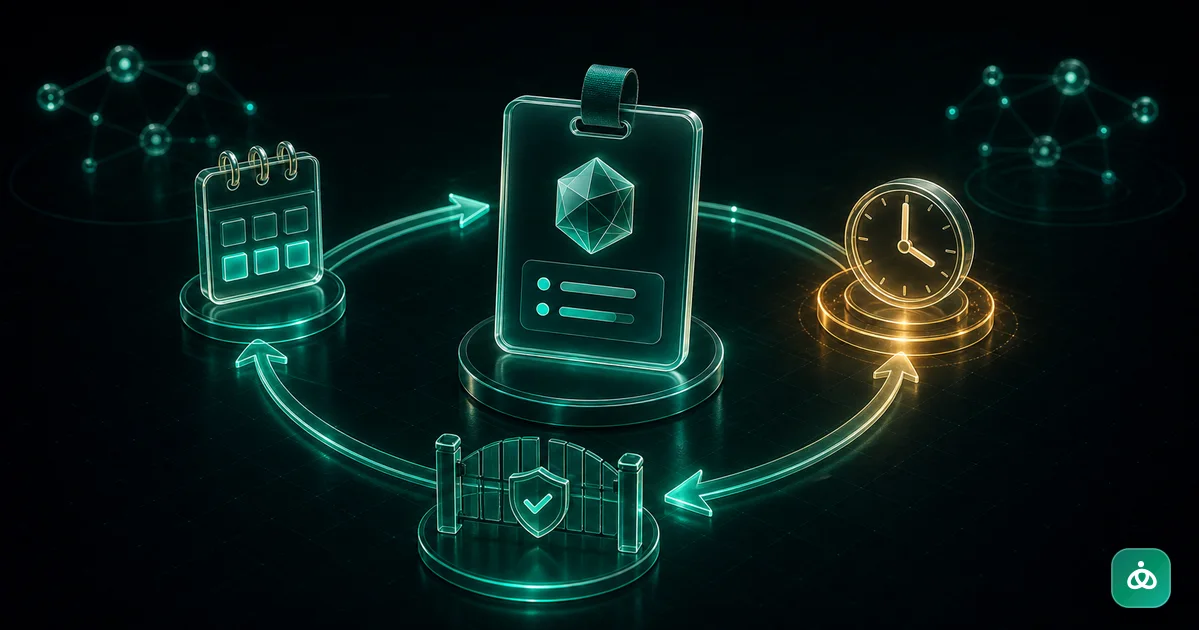
New Billixi Telegram and Discord memberships are unavailable. Existing subscriptions continue to use their buyer-bound renewal, fulfillment, expiry, recovery, and support workflows. A successful payment and external platform access remain separate states, so delivery issues can be retried without losing the purchase record.
Scope
Billixi no longer accepts new Telegram or Discord membership listings or first-time purchases. This guide describes the lifecycle support that remains for existing subscriptions and their customer obligations.
Check an existing membership
Sign in to the Billixi account used for the purchase and open the buyer library. It shows the current membership period, available connection actions, and renewal eligibility. If payment is confirmed but Telegram or Discord access is missing, keep the order record and use the support path shown in Billixi. Do not pay again to repeat delivery.
Renew when eligible
An eligible existing member can use the secure renewal action in the buyer library. The renewal link is bound to the member and subscription, expires, and only accepts a currently active renewal plan. A successful renewal extends the existing membership period; it does not create a new first-time subscription.
Account-credit auto-renew settings remain specific to subscriptions where they were already enabled and eligible. Members can review or change their own setting in the buyer library.
The buyer-bound renewal action is tied to the authenticated buyer, the exact subscription, and a limited time window. An eligible member selects a currently active plan; the successful payment extends the existing period rather than creating a second first-time subscription. A lifetime membership cannot be renewed. Follow the amount and next-charge information shown in the buyer library when reviewing an existing auto-renew setting.
Expiry and provider access
Economic expiry is determined by the membership record in Payment. Telegram invitation or Discord role changes are external fulfillment actions and may complete shortly after the period ends. Repeated provider work is recorded and retried according to the existing recovery policy. A delayed external action does not change the paid period or create another charge.
For existing purchases, Telegram removes only the managed access associated with the verified destination. Discord removes the managed role for the bound identity. When another valid existing purchase still grants the same resource, access is preserved. An action Billixi cannot confirm it previously granted is sent for review instead of being removed blindly. The buyer library may show revocation as pending until the provider confirms the result.
Recover a provider issue
Membership payment, entitlement, and platform access are tracked separately. If an integration is unavailable, the purchase and its evidence remain available for recovery. Sellers and support operators can use the established operational recovery workflows to reconcile access without asking a buyer to create another purchase.
If access is pending, check whether the buyer still needs to connect the relevant account, inspect the separate integration-health and access-delivery states, repair the existing verified seller connection if needed, and allow the durable retry to proceed. Do not create another payment, reconnect an already-bound account, manually grant a different role, or share a permanent invite; these can make provider state disagree with the purchase record.
Refunds and support
Refund decisions and external access changes retain their existing accounting and audit evidence. Contact Billixi support with the order reference if the buyer library does not show the expected status. Never share private invite links, account credentials, or provider tokens in a support message.
For an existing seller setup that needs repair, verify the exact production Telegram destination or Discord server and role, check only the permissions required to manage access, and test recovery without changing the original customer period. Provider health checks should not discard prior ownership proof or historical delivery evidence.